




Automation changes the way trades are executed, shifting focus from constant screen time to clearly defined logic. On cTrader, this shift is driven by cBots; automated strategies designed to analyze price action, manage positions, and execute trades with precision and consistency.
Rather than reacting to every market move manually, traders can translate their ideas into structured rules and let the platform handle execution.
This article explores how cBots fit into the cTrader ecosystem, how they are added and used through cTrader Algo, and what to pay attention to when selecting a strategy that aligns with your trading approach.
The term cBot refers to an automated trading robot (or “automated trading system”) built for the cTrader platform (more precisely the algorithmic-trading module cTrader Algo, formerly cAlgo).
In short, once configured and running, a cBot is your “robotic trader,” executing trades automatically without the need for you to intervene manually.
cTrader Algo provides a complete workspace for transforming trading ideas into automated strategies that run with structure and consistency. Strategies can be built from the ground up or based on ready-made templates, allowing faster development without losing control over logic.
Custom indicators and plugins can be added to extend beyond standard technical tools, giving strategies more depth and flexibility. Once the logic is defined, the cBot can be built and compiled to confirm that the code is clean, functional, and ready for execution.
Before live deployment, strategies can be backtested against historical price data, offering clear insight into how the algorithm would have behaved across different market phases. Performance can then be refined through parameter optimization, adjusting elements such as trade volume, stop-loss and take-profit levels, or indicator thresholds to better understand how small changes influence outcomes.
A cBot is not something you simply switch on and hope for the best. In cTrader Algo, automated strategies move through a clear sequence that turns raw logic into a controlled, trade-ready system.
This progression keeps automation deliberate and measurable, reducing guesswork and helping ensure that live execution is backed by logic, testing, and structure rather than assumption.
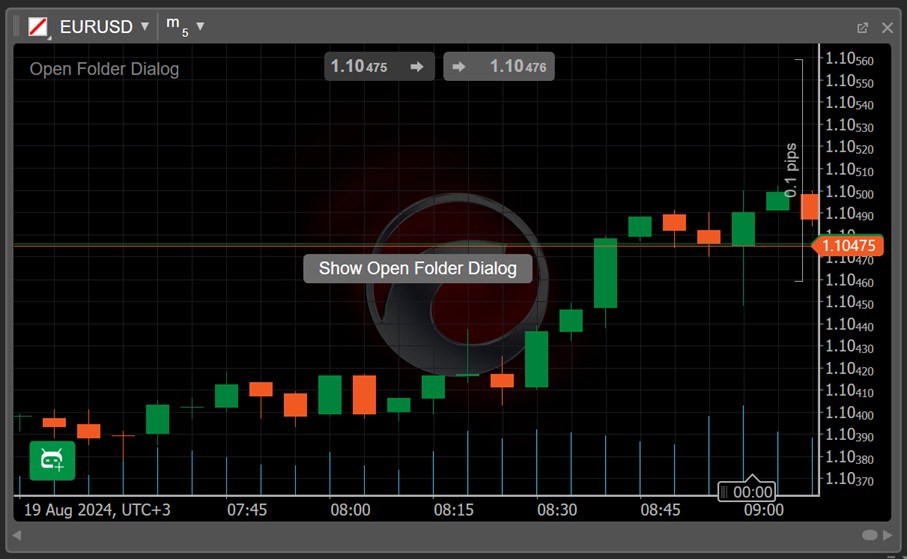
Getting a cBot up and running on cTrader is a straightforward process once you know where each step fits.
1- Install cTrader Desktop: cBots run on the desktop version of cTrader, available for both Windows and Mac.
2- Obtain the cBot: cBots can be downloaded from dedicated marketplaces or sourced as a custom .algo file if you are using a proprietary or self-built strategy.
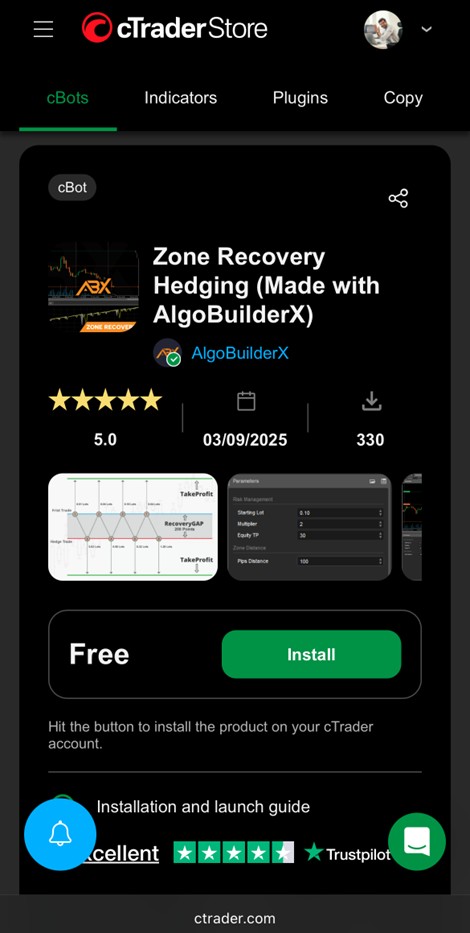
3- Install the cBot: If the operating system recognizes the .algo extension, simply double-clicking the file will open and install it in cTrader. As an alternative, the file can be placed manually into the relevant directory, such as Documents\cAlgo\Sources\Robots.
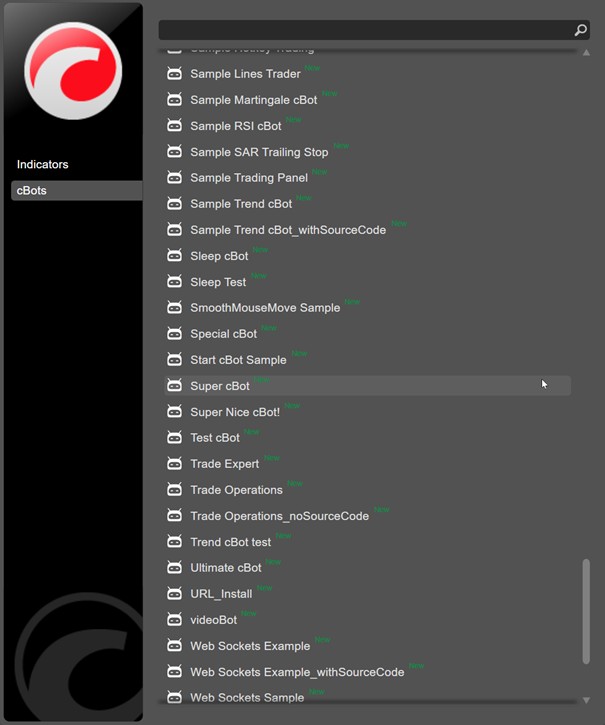
4- Add a cBot Instance: Open cTrader, switch to the Algo tab, and create a new cBot instance. At this stage, you define key parameters such as the trading instrument, timeframe, position sizing, and risk settings.
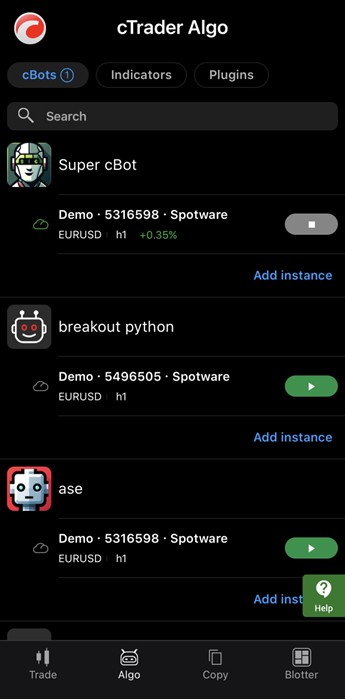
5- Start the cBot: Once configured, the cBot can be launched to begin automated trading, either locally or through cloud execution if enabled.
6- Optional: Use .cbotset Files: Parameter presets can be saved and loaded using .cbotset files, making it easy to reuse configurations or switch between different setups without manual re-entry.
If you don’t code your own cBots, you can still get many ready-made strategies from third-party marketplaces or the official cTrader Store. Here’s how:
When you find something promising, simply install (see steps above), set parameters, and consider testing it first on a demo account or via backtesting; never jump immediately to real money.
A well-chosen cBot is one that aligns with your trading logic, includes clear risk controls, and has been tested thoroughly, because in automated trading, discipline and transparency matter far more than short-term results.
Taking the time to evaluate these elements carefully helps ensure that a cBot functions as a controlled trading tool rather than an unpredictable risk factor once it is deployed.
cBots bring structure and consistency to automated trading on cTrader, turning clearly defined strategies into executable systems rather than discretionary reactions. When used properly, they allow traders to focus on logic, testing, and risk control, while the platform handles execution with speed and precision.
Success with cBots does not come from simply installing a strategy and letting it run. It comes from understanding how the algorithm works, testing it across different market conditions, and configuring it with realistic risk parameters. cTrader Algo provides the tools to do exactly that: build, analyze, refine, and deploy automation in a controlled environment.
Used with care and clarity, cBots can become a practical extension of a trader’s strategy, supporting a disciplined approach and repeatable execution rather than replacing judgment altogether.
Sign up in seconds for free, access your platform, and start trading with ease.

 $200 Oil Scenario: The Chain Reaction Across Markets
What happens if oil hits $200? See the impact on global markets, sectors, inflation, and which industries could win or lose.
Detail Biggest Manipulations in Financial Market History
Financial markets have seen their share of manipulation over the years. Here are seven of the biggest cases in modern history.
Detail Petrodollar System: Why It Still Matters
Energy markets depend on supply routes, currency systems, and trade infrastructure determine prices, inflation, and financial stability across the global economy.
DetailThen Join Our Telegram Channel and Subscribe Our Trading Signals Newsletter for Free!
Join Us On Telegram!


