


In this article, we will explain how to download and use the MetaTrader platform. MetaTrader 5 is one of the best and most popular trading platforms in the world with so many features and users. Let's take a look at how to get the MT5 and start using it:
Let's assume that we're downloading MT5 for the desktop. Once the file is downloaded, double-click it. Grant the necessary permissions and click on ''Install'' to proceed.
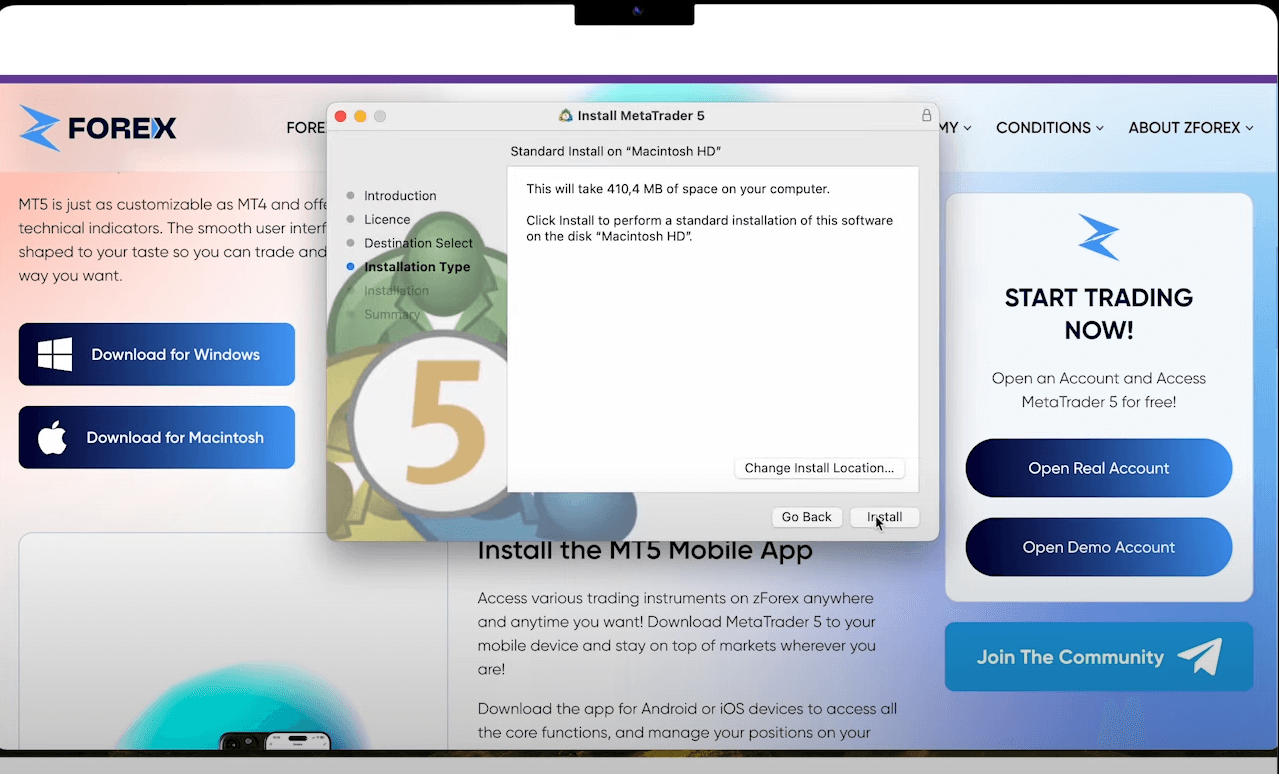
After the installation is completed, the terminal will open automatically.
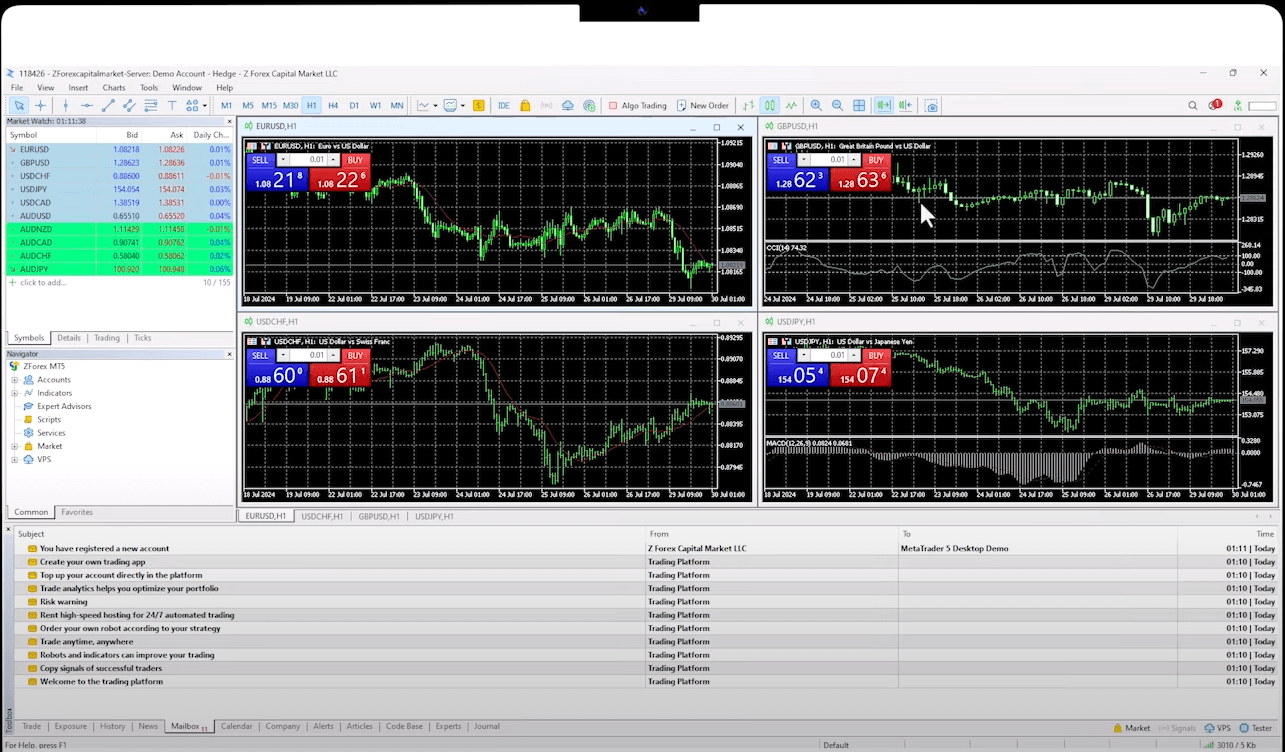
It should appear on your screen by default. After opening MetaTrader 5, you can see the login section with the account you opened. You will find a demo account open with a $10,000 balance, and the charts and products are already displayed.
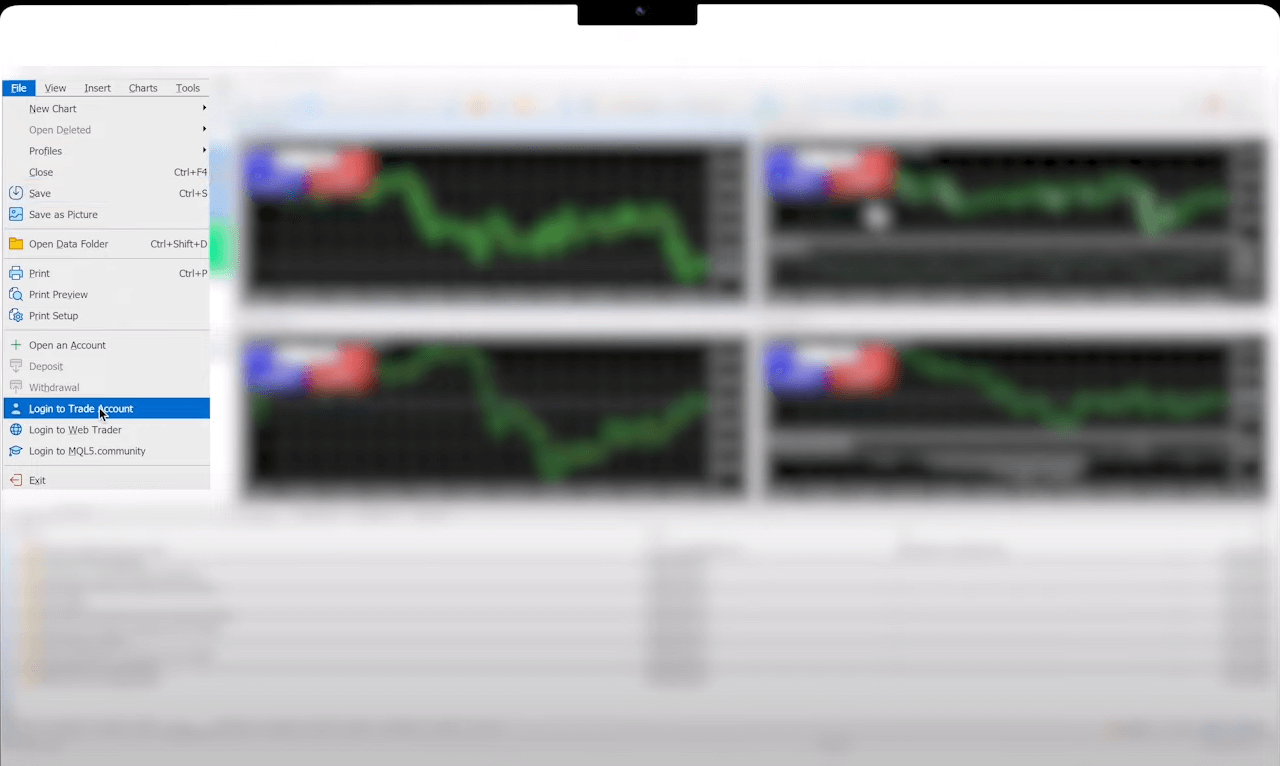
If you do not have an account, please check out our detailed explanation about how to open a trading account on MetaTrader 5.
As you can see, downloading and starting to use MetaTrader 5 is very simple. All you have to do is to take a look at our platforms page and download MT5 for the device you want. Later, you will need to follow a few steps to complete the process.
Don't forget to check the list of the Top MetaTrader 5 brokers.
Sign up in seconds for free, access your platform, and start trading with ease.

 PAMM vs MAM vs Copy Trading: Key Differences
With PAMM, money participates in a managed pool. MAM keeps client accounts separate but gives the manager a central way to trade them. Copy Trading leaves the follower with an independent account and reproduces another trader’s positions there.
Detail What Happens When a Company Joins or Leaves the S&P 500?
How companies join or leave the S&P 500, what happens before and after the change, and the key announcement and effective dates that matter.
Detail What Is PAMM and How Does It Work?
Learn how PAMM accounts work, how profits, losses and manager fees are calculated, and what to check before allocating funds to a trading strategy.
DetailThen Join Our Telegram Channel and Subscribe Our Trading Signals Newsletter for Free!
Join Us On Telegram!


